

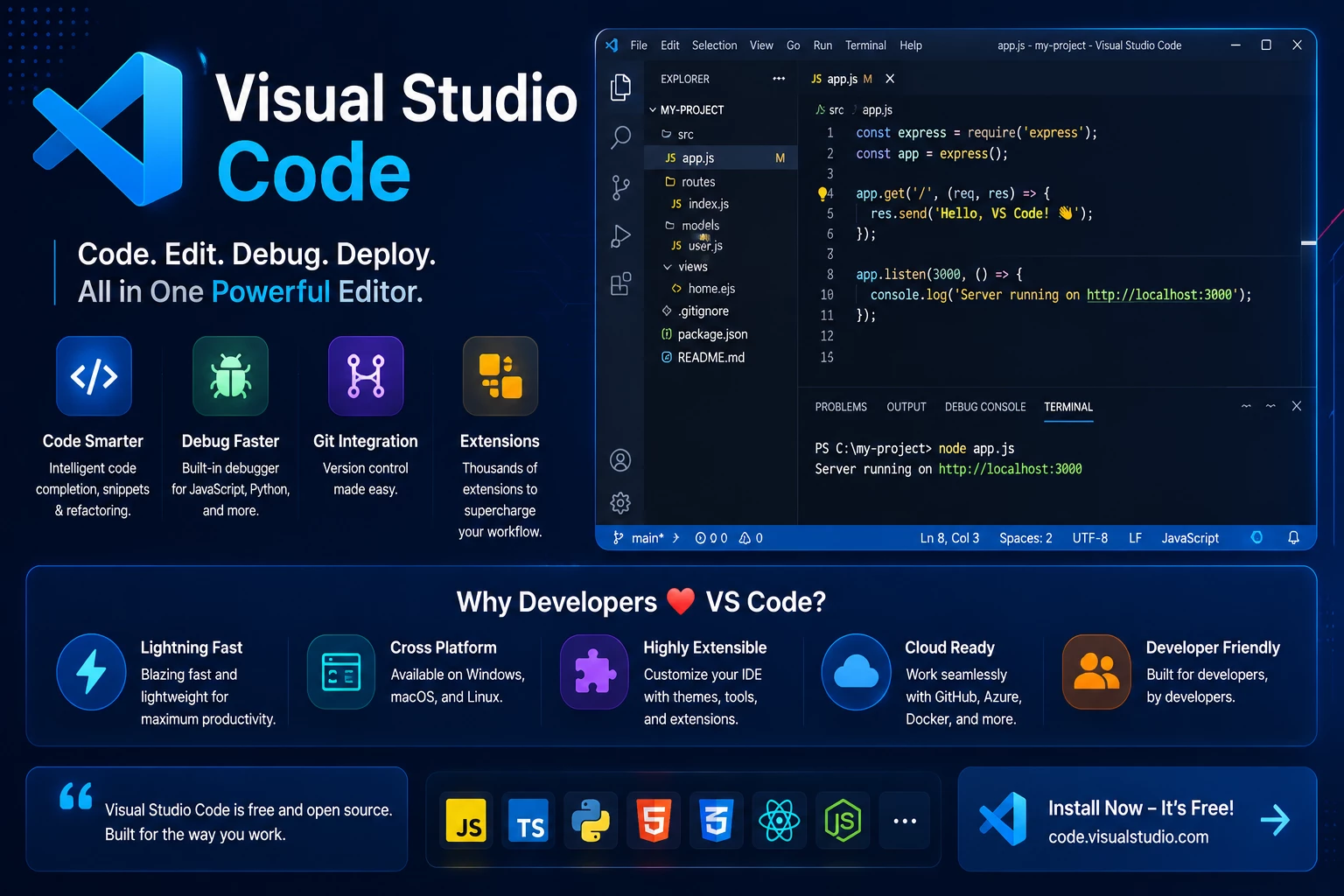
Visual Studio Code
Build faster, cleaner, and more efficient development workflows with professional Visual Studio Code setup and optimization services. I use Visual Studio Code (VS Code) as a powerful development environment for modern web development, custom coding, debugging, version control, and project management.
Whether you are working on WordPress, Shopify, custom web applications, or front-end development projects, I create organized and scalable workflows using Visual Studio Code and modern development tools.
Why Visual Studio Code?
Visual Studio Code is one of the most popular and powerful code editors used by developers worldwide. It provides a lightweight, flexible, and highly customizable environment that improves coding efficiency, debugging, collaboration, and project management.
With the right setup and extensions, VS Code helps streamline development workflows and improve overall productivity.
My Visual Studio Code Services
1. Development Environment Setup
I configure Visual Studio Code for optimized web development workflows based on project requirements and technologies.
2. Extension & Plugin Configuration
I install and configure essential VS Code extensions for coding efficiency, formatting, debugging, version control, and automation.
3. Front-End Development Workflow
I create clean and efficient workflows for HTML, CSS, JavaScript, React, Shopify, and WordPress development.
4. WordPress & Shopify Development Setup
I configure VS Code environments for custom WordPress themes, plugins, Shopify themes, Liquid development, and eCommerce workflows.
5. Git & GitHub Integration
I integrate Git and GitHub workflows directly into VS Code for version control, collaboration, and deployment management.
6. Code Formatting & Optimization
I set up automated formatting, linting, and coding standards to maintain clean and scalable codebases.
7. Debugging & Error Handling
I configure debugging tools and development utilities for faster troubleshooting and efficient project maintenance.
8. Remote Development & Deployment
I set up remote server access, SSH workflows, and deployment integration for faster development and project management.
Benefits of an Optimized VS Code Workflow
- Faster and cleaner development process
- Better code organization and readability
- Improved productivity and efficiency
- Easier debugging and troubleshooting
- Seamless Git and GitHub integration
- Better collaboration and workflow management
- Scalable development environment
- Improved coding consistency and performance
My Workflow Process
- Analyze project requirements and technologies
- Configure Visual Studio Code environment
- Install and optimize essential extensions
- Set up Git, deployment, and debugging workflows
- Optimize coding standards and automation tools
- Test workflow performance and stability
- Maintain and improve development efficiency
Technologies & Tools
I work with Visual Studio Code, Git, GitHub, HTML5, CSS3, JavaScript, PHP, React, WordPress, Shopify, Node.js, SSH workflows, and modern development tools to create efficient and scalable coding environments.
Let’s Optimize Your Development Workflow
If you want a faster, cleaner, and more organized development environment, I can help configure and optimize Visual Studio Code for your workflow. My focus is on improving productivity, maintaining clean code standards, and creating scalable development systems for long-term project success.